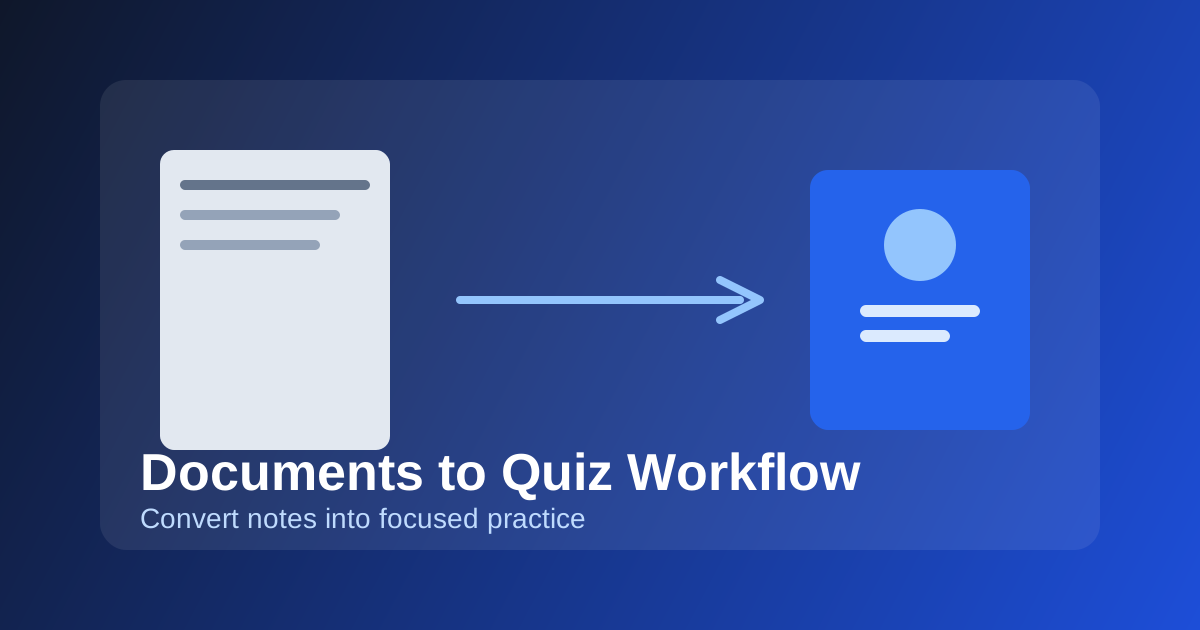
Documents to Quiz Workflow: Convert Notes Into High-Value Practice
A step-by-step workflow for turning uploaded notes and PDFs into focused quiz sessions without wasting time on low-impact content.
How to Use This Feature Effectively
Uploading a document is only the first step. Real gains come from selecting the right extracted topics and generating the right question mix.
Why this matters: Most students underperform because their source material is broad but their time is limited. Structured document-to-quiz flow helps target high-yield concepts first.
Step-by-Step Workflow
1. Upload clean source files
Use complete notes, lecture summaries, or chapter PDFs with readable structure to improve parsing quality and topic extraction.
2. Review topic candidates before generation
Open document detail, scan extracted topics, and keep only concepts aligned with your upcoming assessments.
3. Generate focused quizzes
Create smaller topical quizzes instead of one giant mixed quiz. Smaller sets improve feedback loops and correction speed.
4. Move misses into review
After each session, route incorrect or fragile concepts into review to lock retention while the material is fresh.
Important Points
Important
Topic selection quality matters more than document volume. Curate first, then generate.
Outcome
Focused document workflows reduce study noise and produce faster quiz-to-improvement cycles.
Mistakes to Avoid
- Generating from every extracted topic without prioritization.
- Creating very long mixed quizzes that hide specific weak areas.
- Skipping post-session review after document-based practice.
Execution Tips
- Prioritize recent lecture topics first to improve short-term exam readiness.
- Delete failed parse uploads quickly to keep your documents list clean and actionable.
Next action
Move from reading to execution by opening the linked feature page and applying one step today.